
Share this article
We clean our rooms and appliances regularly, but we almost never think to include our tech gadgets on our regular cleaning list.
However, your laptop, earphones and other electronic gadgets are probably harbouring more germs than you realise. How do you disinfect and sanitise them while keeping them in good condition?
These often used devices are hotspots for germs, so it’s important to disinfect and sanitise them regularly.
How To Clean Electronics & Tech Gadgets: AirPods, MacBook Screen, Keyboards & more
How To Clean Electronics & Tech Gadgets: AirPods, MacBook Screen, Keyboards & more
And it’s not enough to simply wipe down the surfaces now and then, because you’re probably missing dirt and grime hiding in the nooks and crannies. Plus, different types of devices require different modes of care.
The experts at Helpling, an online platform that helps home owners book ad hoc cleaning services, share their tips on how to keep your tech gadgets hygienic.
Consider this your guide to keeping all of your expensive gadgets germ-free and in tip-top condition.
Content
- How to Clean Laptops
- How to Clean Mobile Phones
- How to Clean AirPods & Earbuds
- How to Clean Cameras
- How to Clean Apple Watch, Fitbit etc.
- Other things you should clean regularly
How to Clean Laptops?
How To Clean Electronics & Tech Gadgets: AirPods, MacBook Screen, Keyboards & more
How To Clean Electronics & Tech Gadgets: AirPods, MacBook Screen, Keyboards & more
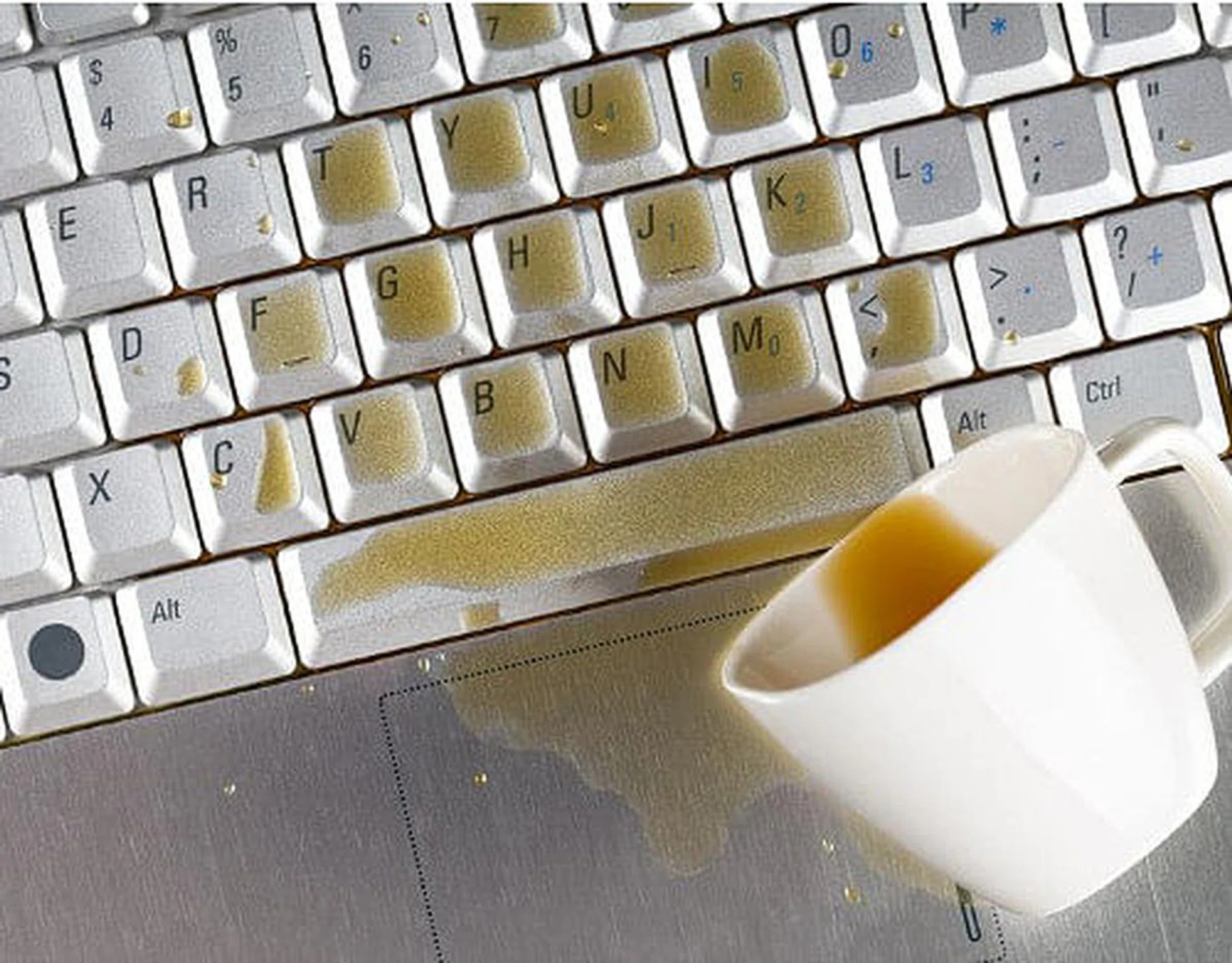
Thanks to the many crevices between the keys, the keyboard is a breeding ground for dirt and bacteria, froom food crumbs and drink spills, to dead skin and office germs. Every time you rub your eyes, or grab snacks with your hands right after using the keyboard, you’re introducing these bacteria directly into your body.
Do:
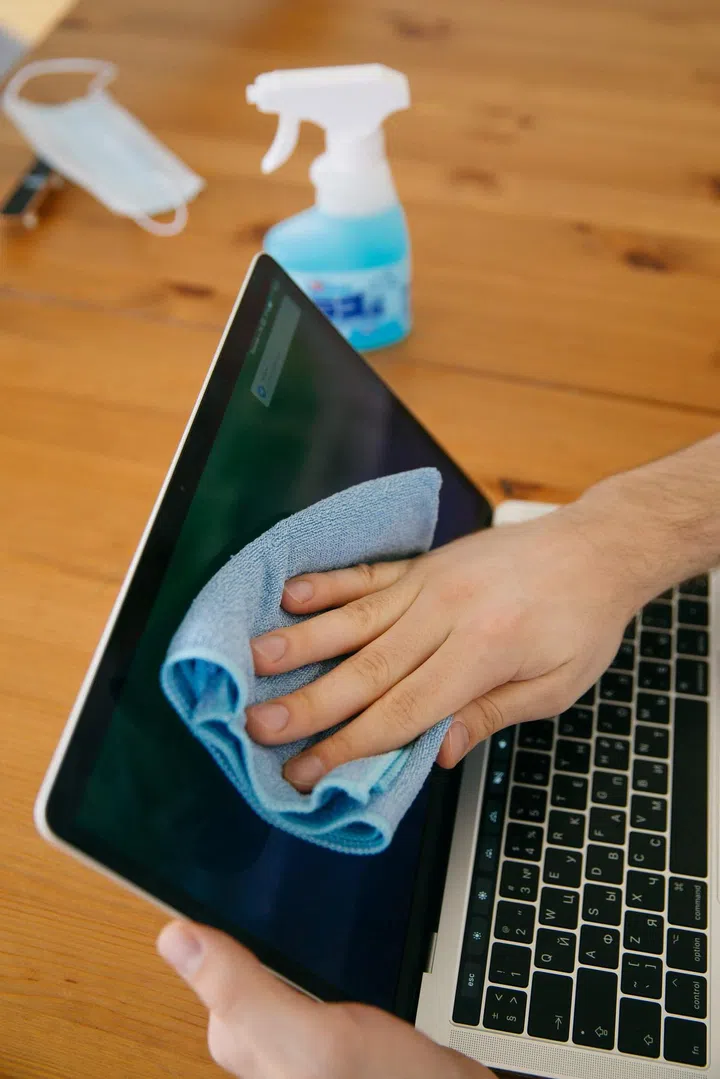
- Dip a microfibre cloth in the afore-mentioned cleaning solution to wipe down your screen, mouse and other flat surfaces regularly.
- Before cleaning the keyboard, make sure your notebook is turned off. If it’s a USB keyboard, make sure it is unplugged.
- Turn the keyboard upside down and shake off particles trapped within the keys. Then, use a big soft brush (makeup brushes work well too) to dust off dirt. Even better, get a can of compressed air (Challenger stocks them) to force out the dirt in between the keys. This also works to clean the crevices inside your mouse.
- Pay particular attention to frequently used keys, like the Enter key and your space bar.
- Only turn on your laptop, or plug in your USB keyboard, when the keyboard is completely dry.
- Wash your hands regularly and thoroughly to prevent the transfer of bacteria from your hands to your keyboard
Don’t:
- Don’t try to vacuum your keyboard with a vacuum cleaner. The powerful suction force can potentially damage the components.
How Often to Clean: Once a month. Or, if you have a habit of eating at your desk, every fortnight.
How to Clean Mobile Phones?
How To Clean Electronics & Tech Gadgets: AirPods, MacBook Screen, Keyboards & more
How To Clean Electronics & Tech Gadgets: AirPods, MacBook Screen, Keyboards & more
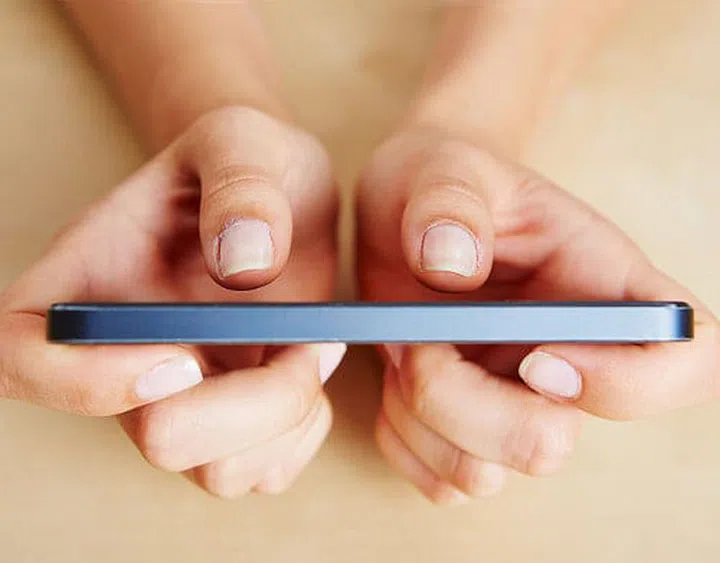
Hands up if you have used your mobile phones or tablets in the bathroom. Considering how rarely you clean your smart devices, your gadgets might actually be harbouring even more vile bacteria than the toilet seat!
Do:
- Use a microfibre cloth to wipe away sweat and grease regularly.
- Do a thorough clean inside the phone too. Just make sure you switch it off and remove the battery and Sim card first.
- To disinfect, prepare a solution of 1 cup water and a few drops of vinegar or rubbing alcohol. Use that wipe the outside of the phone. For hard-to-reach corners, dip a cotton bud in this cleaning solution.
- If you have silicone phone or tablet covers, take them off and soak in warm, soapy water. Otherwise, give your plastic cases a good wipe down with the cleaning solution.
- When you’re done with cleaning, leave the phone to dry completely before turning it on again.
Don’t:
- Don’t spray cleaning solutions directly on the screen, as droplets may get into the speaker or microphone and damage those parts. Dab the cleaning solution on a piece of cloth and use that to clean instead.
- Don’t use a hair dryer to speed up the drying process. Your electronic devices have a lot of sensitive components that could be easily damaged by the heat.
How Often to Clean: Wipe the screen every other day. Do a deep-cleaning every one or two weeks.
How to Clean AirPods & Earbuds?
How To Clean Electronics & Tech Gadgets: AirPods, MacBook Screen, Keyboards & more
How To Clean Electronics & Tech Gadgets: AirPods, MacBook Screen, Keyboards & more
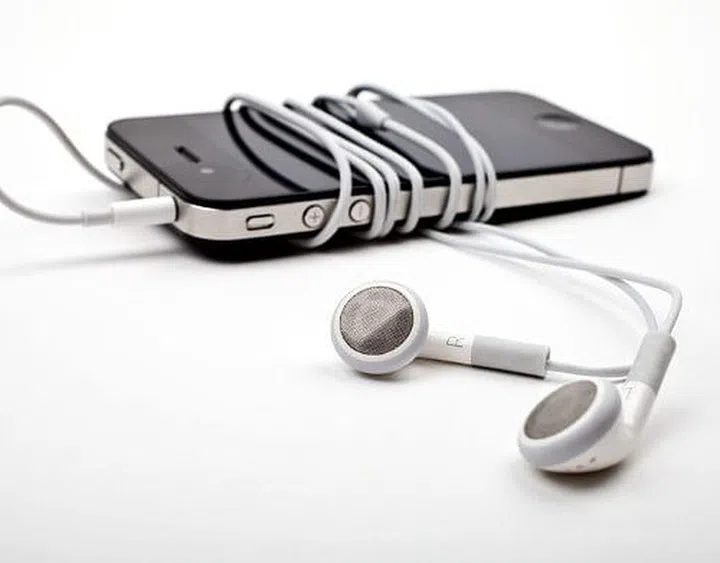
Constantly wearing earphones or headphones can lead to acne breakouts and skin infections. This happens because the sweat and moisture collected around the earphones encourages bacteria to multiply.
Do:
- Use a cloth dipped in soapy water to wipe the earphones or headphones. Make-up removal tissues are a convenient alternative too.
- Remove silicone ear buds, then use a dry, old toothbrush to gently clean out dust and dirt from the metal parts.
Don’t:
- Don’t share earbuds with friends, to prevent the transfer of bacteria.
How Often to Clean: Clean earphones once a week, and headphones at least once a month.
How to Clean Cameras?

How To Clean Electronics & Tech Gadgets: AirPods, MacBook Screen, Keyboards & more
How To Clean Electronics & Tech Gadgets: AirPods, MacBook Screen, Keyboards & more
Nothing is more annoying than shooting what you believe to be great photos, only to realise that the lens was dirty. And that’s not the only reason to regularly clean your camera – we continuously touch it and also pass it to other people to show them photos, making it an easy transit station for bacteria.
Do:
- Use a damp cloth to wipe the body.
- Remove the battery and memory card, then use a soft brush to tackle dust or dirt that might be trapped inside these slots. You can use a clean makeup brush too.
- Even if your lens is smudged, don’t use a cloth to wipe it, as that might scratch your expensive lens. Head to a camera shop and purchase a lens pen instead.
Don’t:
- Don’t use detergents on your camera as the cleaning compounds may be too harsh.
- Don’t try to clean the sensor in a DSLR yourself, as that is a very sensitive component. If there is a stubborn piece of dirt lodged on the sensor, take your camera to a camera shop for expert help.
How Often to Clean: Clean your camera after every major use to prevent dust and dirt from building up inside.
How to Clean Apple Watch, Fitbits, Smart Watch?

Smart technologies. Close-up photo of smart watch on woman hand holding the handle of cardio machine in gym. Fitness and sport concept.
How To Clean Electronics & Tech Gadgets: AirPods, MacBook Screen, Keyboards & more
Just like your smartphone, the screen of your smart watch or fitness tracker and its nooks and crannies pick up grease, skin and grime every time you use it. In addition, the strap collects sweat and dead skin – even more if you’re using your smart watch when you exercise.
Do:
- Switch the watch off before cleaning, and allow to dry thoroughly before turning it back on.
- Dilute soap in tepid water, and apply that on a microfibre cloth to wipe your smart watch. For waterproof watches, you can give it a quick soak in the cleaning solution.
- Clean the straps vigorously with a damp cloth, as they collect a lot of dirt and mildew.
Don’t
- Even if your smart watch is waterproof, the strap may not be water resistant. If you’re not sure, err on the side of error and avoid soaking your smart watch.
How Often to Clean: As often as you can, especially if you wear it every day or very frequently.
5 Other Things You Should Clean Regularly
How To Clean Electronics & Tech Gadgets: AirPods, MacBook Screen, Keyboards & more
How To Clean Electronics & Tech Gadgets: AirPods, MacBook Screen, Keyboards & more
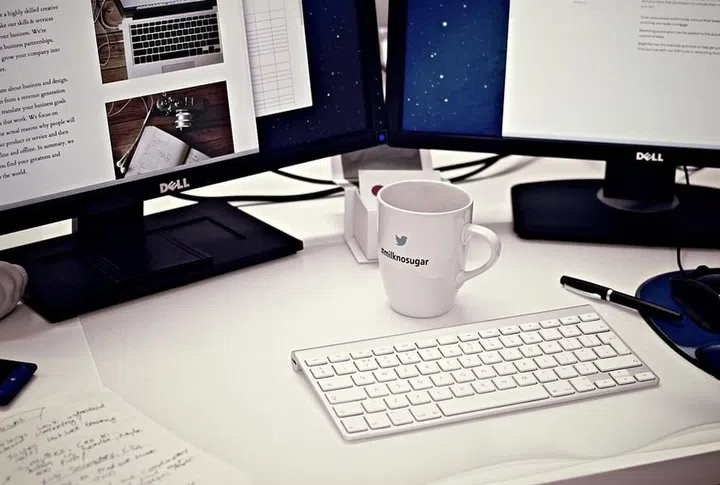
Your work desk is a hotspot for germs. Whether you are working from home or in an office, take time to clean these five items.
Computer Screen
Clean It Once Every Three Weeks
You’ll be surprised at how often people don’t clean their computer screens because they think it doesn’t really come into contact with that much germs. However, whenever you sneeze, cough or talk, your saliva and other germs can contaminate the screen.
Office Telephone
Clean It Once A Week
According to the infographics done by the Cleaning Services Group in the UK, there is approximately 25,127 microbes per square inch on your office telephone. That’s almost 500 times more than what’s on your average toilet bowl.
So, how often should you be cleaning your office telephone? At least once a week experts suggest. Get yourself some cotton buds and really deep clean your telephone once in a while. Otherwise use an antibacterial wet wipe and wipe the entire receiver.
Keyboard
Clean It Every Time You Eat At Your Desk
The office keyboard is another item you should be concerned about. Whenever you eat at your desk, sneeze or forget to wash your hands after coming back from the bathroom, your office keyboard usually gets contaminated first.
The infographic also states that about 80 per cent of infections usually spread from contact with contaminated services so if you’re falling sick regularly, now you know why.
If you’re always eating at your desk, it’s best to line your desk with a piece of paper or table mat first so clean up is easier.
Office Mouse
Clean It Once Every Three Weeks
The office mouse contains about 1,676 microbes per square inch so a wipe down with antibacterial wipe is sufficient. However, do take the time thoroughly clean your mouse with a sanitizer or a cotton bud.
Clean Your Desk
Clean It Twice A Week
Your desk is a hotspot for bacteria so it’s best to wipe it down at least twice a week.