

Share this article
Are you thinking of skipping on the engagement of an interior designer and DIY instead? While it may be tedious to do all the work by yourself, it is not an impossible task. With AI (Artificial Intelligence), VR (Virtual Reality) and AR (Augmented Reality) technology extending into home design apps, you can now design and plan your renovation even with zero background and experience in CAD (computer-aided design) tools.
We have curated 10 home renovation apps that are free to download so you can be an interior designer to your own home.
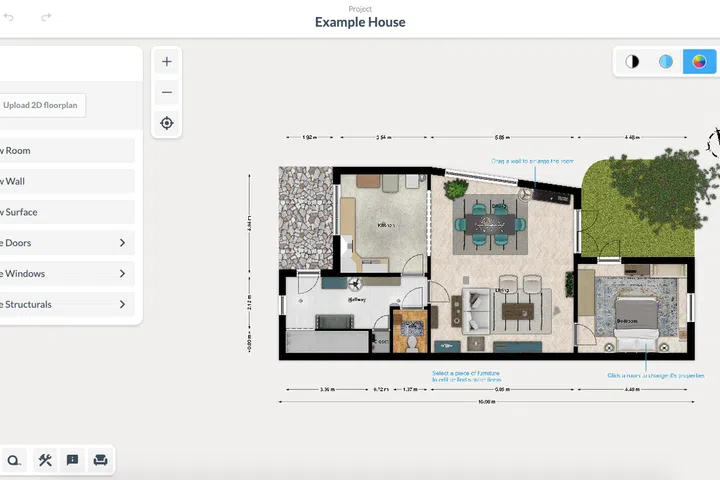
1. Floorplanner
A highly recommended app on home renovation Telegram groups and Reddit, Floorplanner allows you to create 2D and 3D drawings easily even if you have no experience doing so. While the app offers a free version, there are some limitations especially on the exports of completed projects. However, one redditor commented that the app is “quite sufficient if you want to use a design tool to see and show others the effects and layout only.” So, we would recommend Floorplanner if you are planning to do a quick sketch to show your interior designer some ideas that you may have.
Pros: Many intuitive functions for making floor plans. Once you’ve completed the floor plan, you can switch to 3D mode and decorate the space.
Limitations: Free version restricts 3D exports and includes watermarks on JPG exports.
Floorplanner is available online and Apple IOS only.
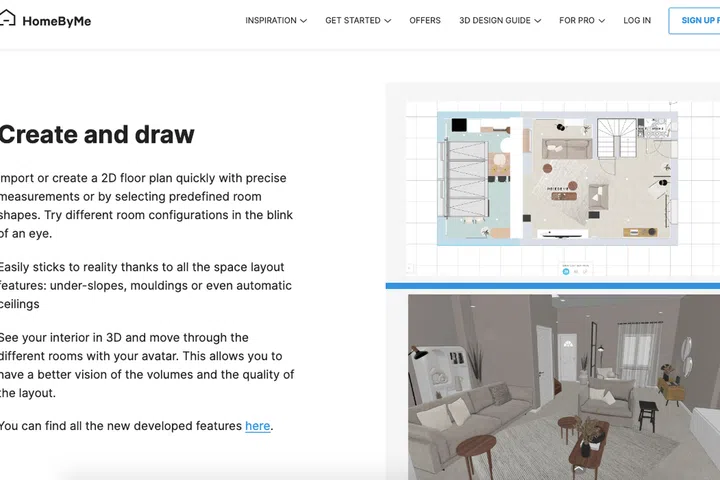
2. HomeByMe
HomeByMe is a home interior design app that feels almost like a game. You can create 2D and 3D room designs, and also decorate the space using the furniture in the app’s catalogue. After you are done, you can switch to 3D mode and take a 360 virtual tour in first-person view while your avatar moves from room to room. Alternatively, you can start by decorating the room and click on “summary”. The app will then generate a floor plan with the added furnishing accordingly.
Pros: Furniture is uploaded from actual brands so you are designing based on real products that you can purchase after.
Limitations: Free plan only allows up to 5 projects.
HomeByMe is available online, Apple IOS and Google Play.
3. Coohom
Floor planner, interior design, kitchen and wardrobe carpentry and 3D modeling, all can be done within the Coohom app. Besides offering thousands of floor plan templates, the app also makes use of AI and CGI solutions to create realistic and high definition visuals, and even real-time lighting. Although the app allows compatibility across multiple devices, some reviews suggest that certain features can only be done using a computer or laptop and not on the iPad.
Pros: Flexibility to manipulate and edit items down to its size and measurements, possibility to upload your own 3D model and build a personal library.
Limitations: Free plan includes only up to 3 projects.
Coohom is available online, Apple IOS and Google Play.
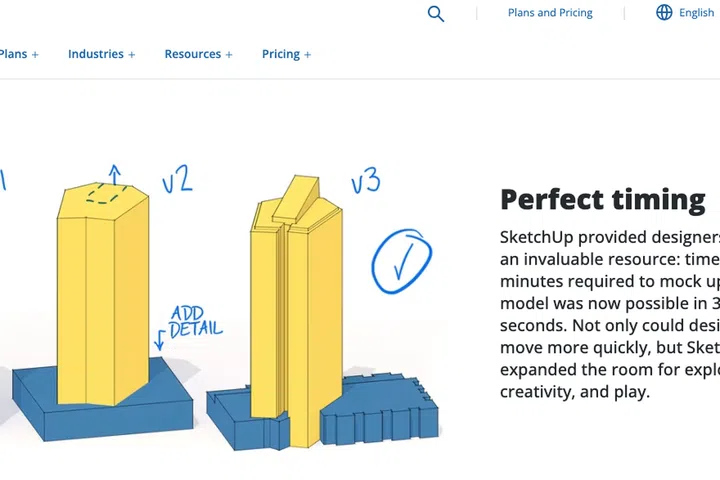
4. SketchUp
SketchUp is a 3D modeling software, previously owned by Google, used by many architects and interior designers. The plus point is that it works similar to Google Drive where you can access the projects at any time on any device, and share access with multiple accounts for viewing.
One redditor said that he used SketchUp to show his interior designer and contractor what he wanted to implement and it helped them to visualise a lot better. To maximise the use of the software, he suggested the free 30-day trial of the Pro version which he felt was more stable.
Pros: Various types of free plans and trials are available. SketchUp Free allows you to design on the web browser directly without an app.
Limitations: Pro version offers more professional features but the price is quite costly at USD49.99 per month.
SketchUp is available online, Apple IOS and Google Play.
5. Homeez
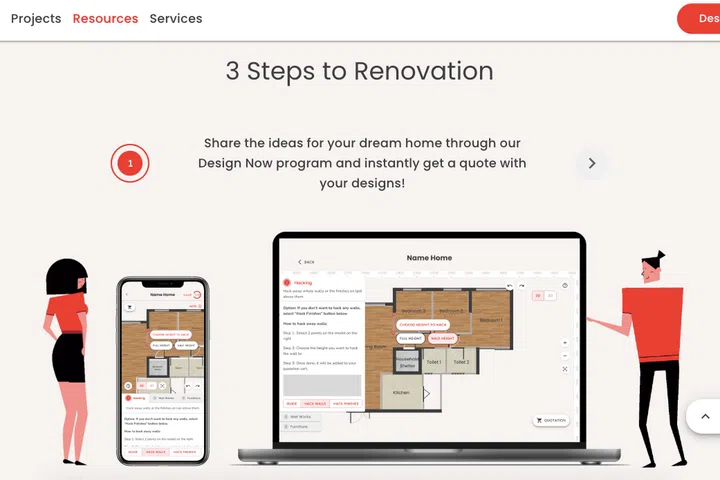
If you are planning a home renovation, you may have seen the ads of Homeez around. Founded with the vision to help new homeowners tackle the rising costs of renovation, Homeez is a new renovation platform that guides users through a step-by-step design and DIY process. Not only is the app suitable for homeowners who plan to manage the entire renovation by themselves but also provides quotations for you to compare between various contractors.
Pros: Local homegrown platform that is catered to Singaporean houses and needs.
Limitations: Not available on mobile app. Forum discussions highlighted that you will still have to do your own research on the vendors as the app only serves as a third party agent that connects vendors and homeowners, and doesn’t have full control over the projects.
Homeez is free for use and only available online.
6. Houzz
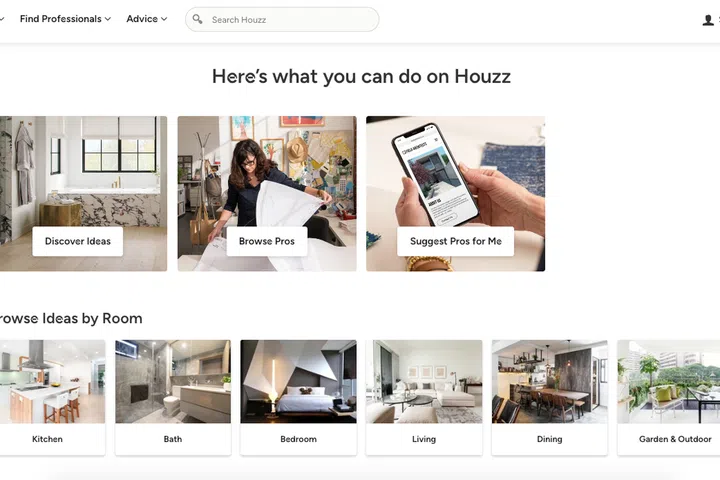
If you are saving home design inspirations from Pinterest or Instagram, Houzz might be a simpler and more precise app to download. The design ideas are categorised into room types, styles and reviews from actual users, which you can filter and scroll easily.
It is not just an endless scroll, you can also sketch your own spaces from scratch or add on to existing photos that you have saved. If the work gets too overwhelming, you may also connect with vendors and contractors through the app.
Pros: The Singapore version showcases design ideas from actual HDB, condo and landed properties.
Limitations: Similar to Homeez, you will have to do your homework on the vendors as this app serves as a third party agent and doesn’t have full control over the projects.
Houzz is available online, Apple IOS and Google Play.
7. Remodel AI
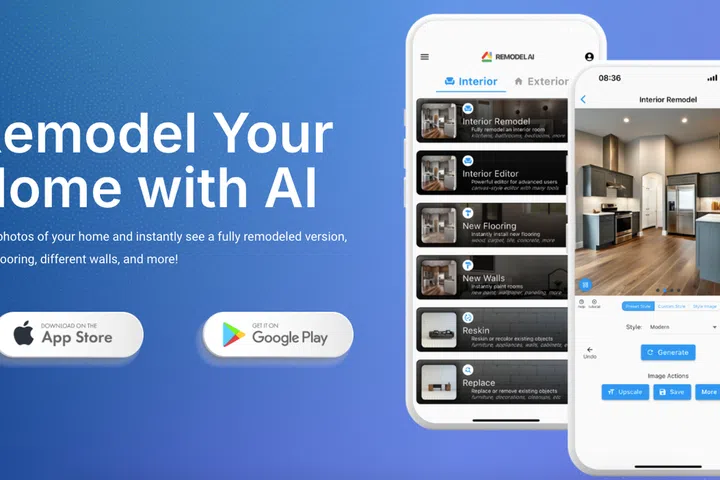
Wish you could ask ChatGPT how to decorate or renovate your space? Remodel AI may be that alternative. Using the app is as simple as just taking a photo of your home and the artificial intelligence will generate a fully remodeled version with new flooring, walls, furniture and more.
Pros: If you decide to upgrade and unlock more features of the app, the pro version is quite affordable at USD9.99 per month.
Limitations: Common disadvantages that users highlighted is that the AI may misinterpret images. Some AI suggestions may be impractical such as hacking of walls or windows which may violate HDB regulations.
Remodel AI is available on Apple IOS and Google Play.
8. Live Home 3D
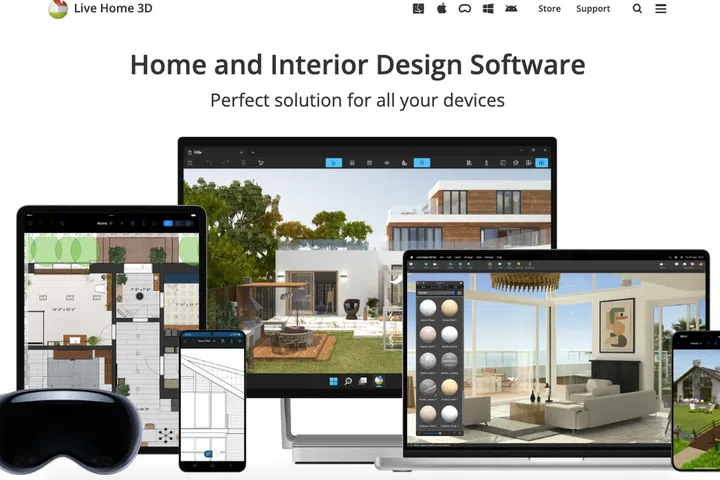
Live Home 3D is a home and interior design software that helps you create detailed floor plans and 3D renderings. The app allows you to create floor plans and view the created space in 3D. Besides adding furniture and accessories, you can even control the lighting to see how the room looks like with the lights turned on and off.
Pros: Available on app only which means you can create projects on your phone at any time.
Limitations: Free version only allows working on one project at a time, exports of 3D models are also restricted without subscription.
Live Home 3D is available on Apple IOS and Google Play.
9. Magic Plan
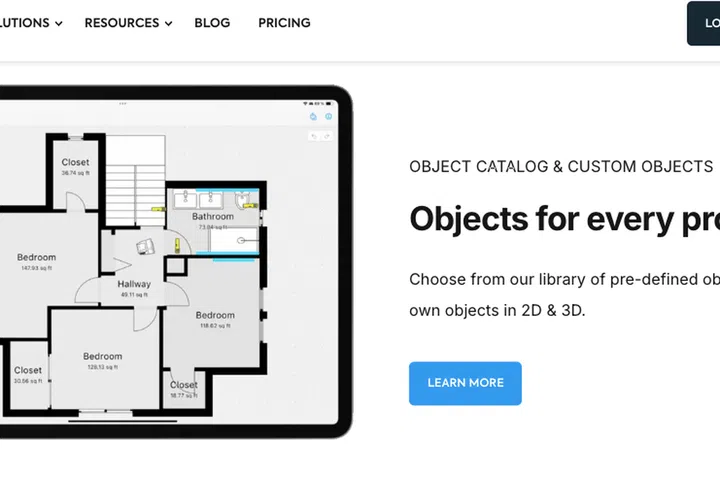
Magic Plan allows you to create floor plans, measure rooms, and design furniture layouts in the app. By simply walking around your home and taking pictures of the spaces, the app is able to map out floor plans if you are using an iPhone. You can also add measurements to make the estimations more accurate and play around with the furniture arrangements.
Pros: Prompts you to record the necessary measurements, some reviews mentioned that scanning is surprisingly accurate.
Limitations: Free starter plan allows only up to 2 projects.
Magic Plan is available on Apple IOS and Google Play.
10. Planner 5D
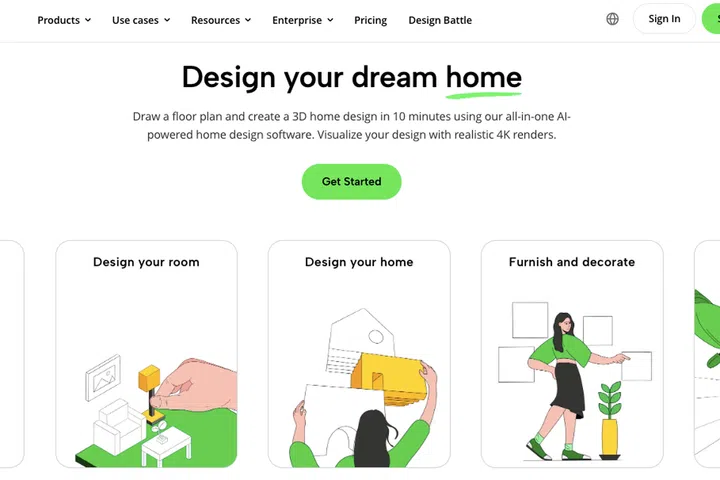
Planner 5D is an intuitive app that allows you to experiment with different elements of interior design such as floor plans, rooms and kitchen planner and even moodboards. You can also use the app to do a virtual reality tour to see how your creation turned out. If you have the basic floorplan on hand, you can also upload the file and turn it into a fully customisable 3D project.
Pros: Free plan allows unlimited number of projects across web and mobile devices. Complete immersive experience which allows you explore the virtual space as if you are standing there on the ground.
Limitations: Free version restricts access to full catalogue and high quality digital renders.
Planner 5D is available online, Apple IOS and Google Play.