
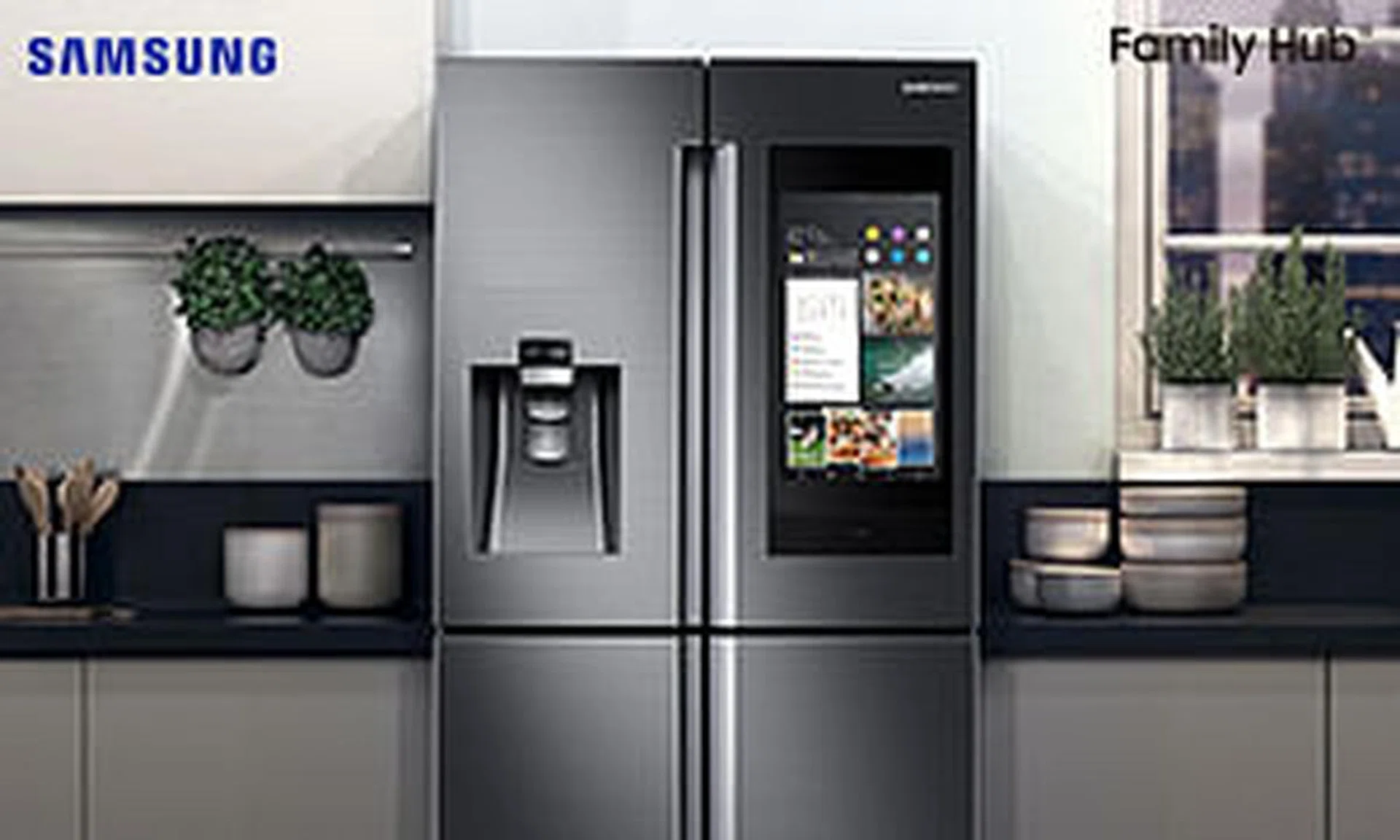
The refrigerator is an essential appliance in any kitchen. Not only does it help to keep meats, vegetables and fruits fresh, it is also handy for storing iced beverages to provide relief on a sunny day. But did you know that with the latest development in fridge technology, it can now become the technological centre of the home? Savvy homeowners can now control different parts of their dwelling, via one key appliance in the kitchen: the Family Hub refrigerator by Samsung. It features state-of-the-art technologies that offer entertainment and communication capabilities, allowing you to enjoy the benefits of a fully connected home at the touch of a button, or via voice-command.
1) Know what everyone is up to for the day
The Family Hub comes with a calendar app, so you can sync your calendars and keep up to date with your family members’ schedules.
2) Increase interaction among family members, with the memo app
Tired of stepping onto magnets or Post-it notes that keep falling off the fridge door? With the interactive Samsung Family Hub, you can write notes and draw pictures on the touchscreen surface of the fridge. You can also send reminders to family members on their mobile devices, and ensure that everyone is connected even when they are on the go.
3) Check fridge contents remotely via View Inside app
The Samsung Family Hub lets you peek inside the fridge, too, via the View Inside app that shows you pictures of its contents (snapped by three built-in cameras). This way, you’ll never forget to stock up on groceries that are running low. You can easily refer to your Family Hub app even when you’re out and about.
4) Have one synced grocery list
Once you are aware of what groceries you lack, you can simply update the Shopping List app. Not only can the shopping list be synced across the family members’ smartphones, it can be updated any time, too. This way, whoever is shopping for groceries will not miss last-minute additions – such as ingredients for a particular night’s dinner. Saves you from making multiple supermarket trips!
5) Check expiry dates of food in the fridge
Get a daily update on the expiry dates of food in your fridge. Whenever you put in a new food item, set a specific date to ensure you’ll be reminded to consume it before it goes bad! Family members will be alerted too, so everyone knows what’s good, and what’s not.
6) Get recipes based on the ingredients inside your fridge
Based on the food availability in your fridge, you can pull out relevant recipes via Meal Planner app#. The machine’s built-in voice control system Bixby can even read out the preparation and cooking instructions, so you won’t have to constantly refer to the screen.
7) Listen to music
Always have music in the background. Whether it’s via Spotify or your favourite local radio stations via the TuneIn app, you can access them all on the Family Hub, which is fitted with a Harman Kardon AKG speaker, for a sound quality that is never compromised.
8) Watch shows
Enjoy your favourite shows in the kitchen, by simply mirroring your Samsung television or phone screen on the Samsung Family Hub’s surface with the SmartView app.˜ You can also search for your favourite dramas on the Web browser, and have a drama playing while you cook!
9) Control and monitor what’s going on around the home, all from the kitchen
The SmartThings app on the Samsung Family Hub can be wired up to other smart devices^, such as the washing machine or Samsung Powerbot, for convenience. For instance, you need only tap a few buttons on the fridge’s smart screen to start the Powerbot on its cleaning rounds.
10) Get the latest news and updates every day
Keep track of your meetings, get weather forecasts and take note of food expiry dates with the help of Bixby, Samsung’s voice recognition assistant. It can also read out your morning brief and help you navigate your apps. So stay connected, even when your hands are full in the mornings, preparing breakfast!
The Samsung Family Hub revolutionises the use of refrigerators, making it an appliance that pushes boundaries and promises new experiences for individuals and families alike!
# Feature will be available in August through OS update
˜Compatible with the Samsung 6400 series and above (2015-2017) and 7400 series and above (2018)
^ Subject to device compatibility
Family Hub features require an internet connection and the Family Hub app. Family Hub app is compatible with Android 4.4 and later or iOS 9.1 and later. Apps and services are subject to change without notice. Data usage fees may apply.
Information is accurate at the time of publication.
Find out more about the Samsung Family Hub at www.samsung.com/sg/familyhub.
Brought to you by Samsung.